
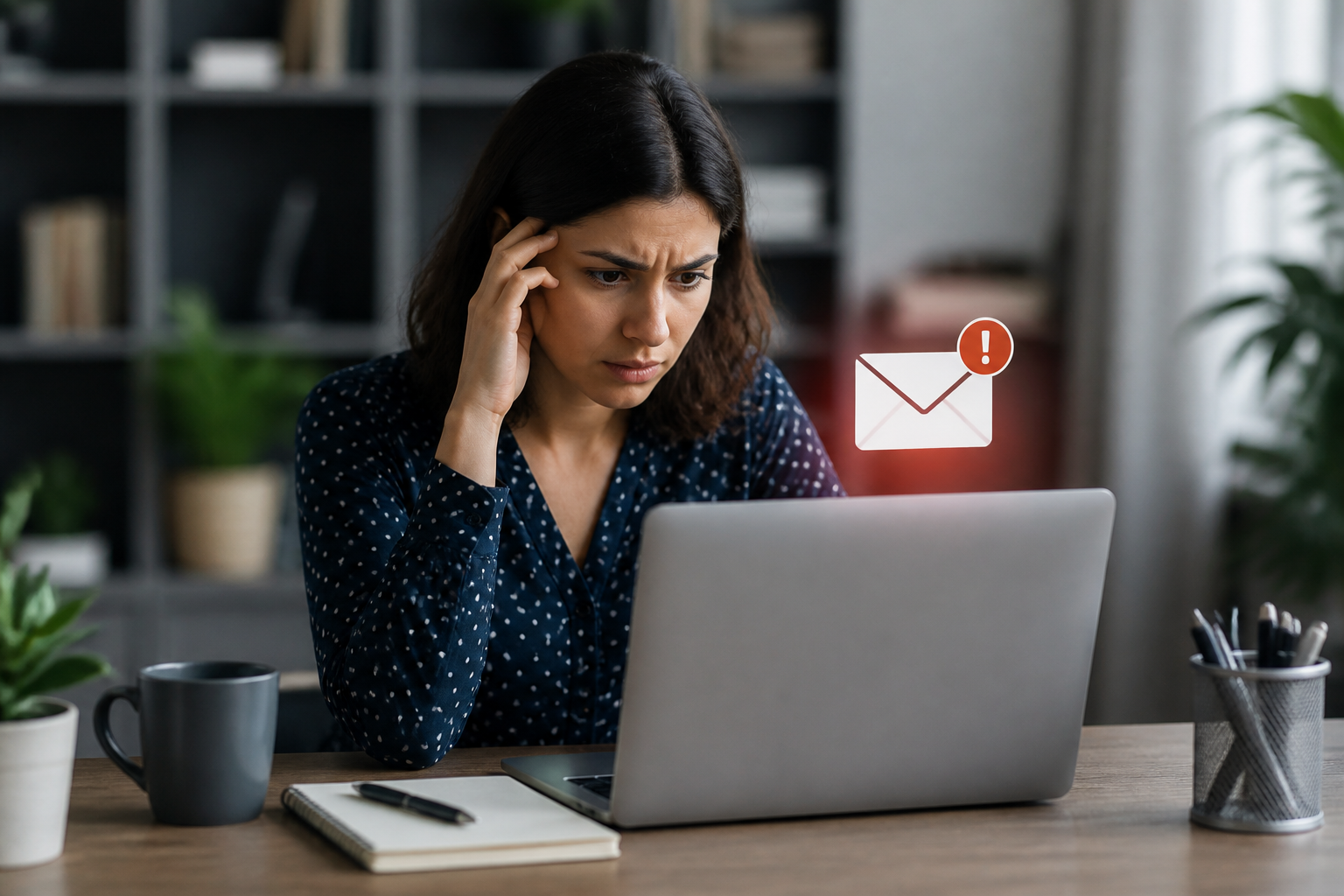
Did you recently get a phone call from a relative or a friend informing you that your email might have been compromised? Unfortunately, this has become very common worldwide. The reason hackers are using breaking into your email is not necessarily to view your inbox or to send out phishing emails. Lately it is because they want you to open your email and click on a document that THEY themselves sent to you. This document could come in the form of a PDF or HTML. Your inbox is where password reset links often land. Someone who gets into it can impersonate you, and try to reset passwords. Here's what to do first:
Take back control of your email
Open your email provider's app or directly to its website from non-compromised trusted device. If you can still sign in, change your password immediately. If you're locked out, go to the account recovery page.Sign out other devices and secure your login
Go to your account's security settings and sign out of other sessions that are still active. Make sure to turn on two-factor authentication (2FA) so a password alone can't open your inbox.Check whether your email is being forwarded
Look for forwarding addresses, filters or rules you didn't create. Review your Sent, Trash and Archive folders for messages you didn't send.Secure the account ties to your inbox
Start with banking, payments apps, and any account that used the same password.Watch for signs of identity theft
Freeze your credit reports via the credit.cc app.
Once your inbox is secure, keep an eye on what happens next. Credit.CC™ offers credit and identity monitoring / protection to help you spot changes along with up to $5 Million dollar insurance to help in the case of identity theft.